Transportation & Mobility
Plan driver routes, monitor movement, record visits, and manage transport tasks through a clean location management app with offline GPS support and mobile CRM for field teams.
Plan driver routes, monitor movement, record visits, and manage transport tasks through a clean location management app with offline GPS support and mobile CRM for field teams.
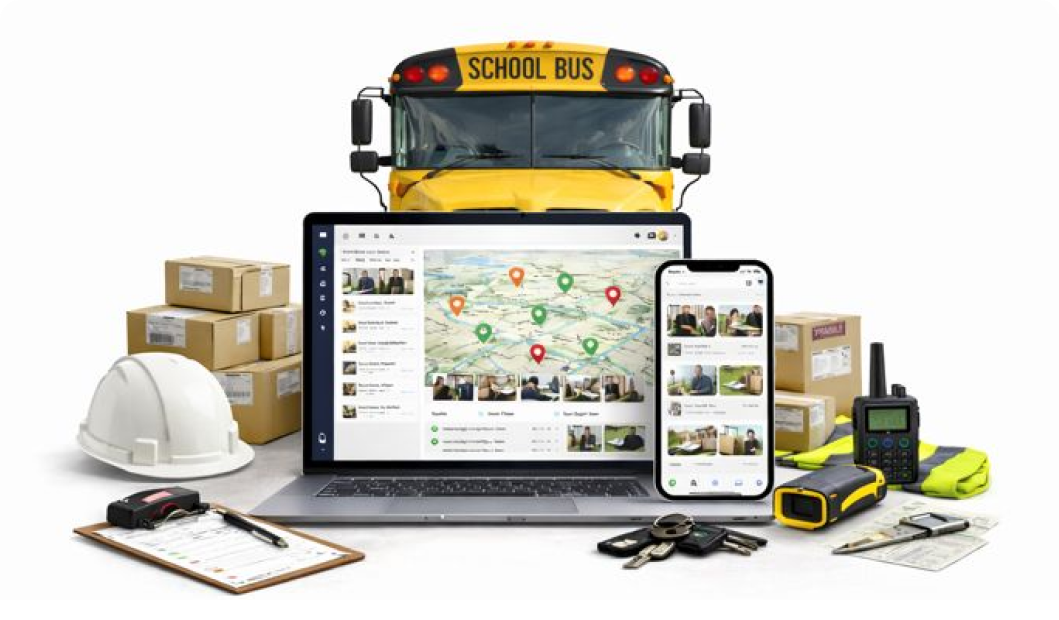
Save pickup points, delivery stops, gates, checkpoints, depots, and customer locations. Add photos, notes, and coordinates for easy access.
Track vehicles, drivers, and riders in through the location management app. See delays, completed stops, and detours.
Assign tasks like pickup, delivery, staff drop, material movement, or shuttle duty with exact coordinates for each stop.
Get verified proof of pick-up and drop-off completion.
Upload proof of delivery, gate entry photos, issues, or spot details.
View completed tasks, pending checks, and daily team activity in an organized, searchable timeline.
Location CRM helps delivery teams reach the right address without confusion. Routes, stops, and visit proof stay recorded automatically, saving time and calls. Managers get clear visibility, so daily delivery flow feels smoother and more reliable.


Pickup and drop locations stay clearly assigned, keeping trips organized from start to finish. Movement updates are synced live, so delays are spotted early. It saves time, cuts confusion, and keeps work flowing on the go.

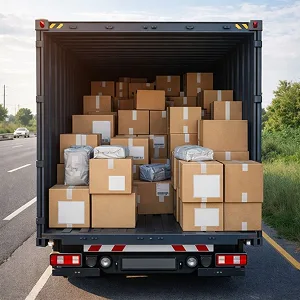
Saved locations help drivers reach passengers faster without backtracking. Trips are tracked quietly in the background, keeping records clean. Less confusion means happier riders and calmer days, plain and simple.


Pickup points and routes stay fixed and easy to follow for every shift. Arrival times are recorded automatically, so schedules stay honest. New drivers settle in faster, with fewer questions and less stress.

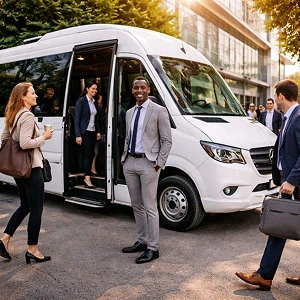
Routes, stops, and timings stay consistent across days and drivers. Trip logs are saved for checks when needed, no paperwork scramble. Parents and staff gain peace of mind, which matters a lot.


Tour stops and destinations are saved clearly for repeat use. Drivers follow planned routes without missing spots, even on busy days. Trips feel organized, relaxed, and easier to manage overall.

Vehicle movement between hubs and sites stays visible in real time. Task updates and visit records are kept automatically, reducing manual follow-ups. Operations stay under control, with less noise and better flow.


Add drivers, vehicles, and stop locations
Pickup, delivery, or warehouse transfer task using CRM for delivery route planning
Track routes, attendance, and delivery completion in real time through
Yes. You can save any number of stops such as customer homes, depots, warehouses, gates, or checkpoints. Each stop includes map pins, notes, and photos. Drivers get a clear route so they don’t waste time searching or calling for directions while handling daily transport tasks.
No. You can’t view live movement when online, but you can see stored GPS logs when a task is completed. The app keeps a full travel path so managers can check completed stops, delays, or missed points without constant phone calls. It helps keep the whole trip clear and easy to follow.
Yes. With CRM with offline GPS functionality, drivers can continue logging location, time stamps, and notes. Once the device reconnects, every record syncs automatically. This is helpful for routes through villages, highways, or areas with unstable signals.
Yes. Drivers can add geo tagged photos and notes at each stop. This makes it easy to confirm deliveries, record issues, or show gate entry proof. All files are linked to the exact coordinates so managers can quickly verify what happened at each location.
Yes. Solo drivers or small teams can track routes, save stops, record proof, and plan daily movement without extra tools. It reduces confusion, cuts travel time, and gives a simple way to stay organized for deliveries, pickups, and staff travel needs.