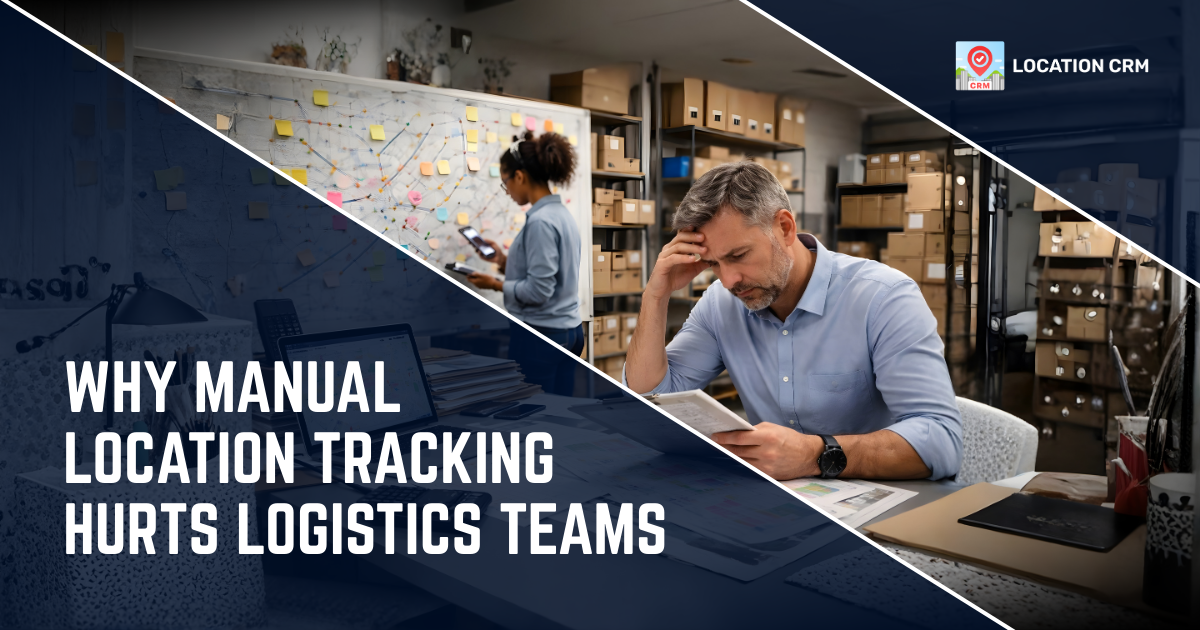
Manual location tracking still shows up in many logistics teams across the USA. It feels familiar. It feels cheap. On the surface, it feels fine. But once daily routes grow, deliveries increase, and customers expect fast updates, this old method starts causing real damage in logistics operations.
Missed stops, wrong addresses, late deliveries, and constant follow-ups become part of the routine. Over time, these small issues stack up and quietly slow the entire operation, especially when teams depend on manual location tracking in logistics workflows.
This article breaks down exactly why manual location tracking slows logistics teams, what problems it creates, and how smarter logistics task tracking app fixes them.
Table of Contents
Global Statistics About The Logistics Industry
Logistics keeps trade and deliveries moving across countries every day. It supports almost every business in some way. As demand grows, pressure builds fast, and teams are expected to move quicker without losing control.
As reported by Grand View Research, the global logistics market was valued at around USD 3.9 trillion in 2024 and is projected to reach close to USD 6 trillion by 2030 due to rising trade and online shopping. Data from ClickPost logistics statistics also shows that North America holds roughly 23% of the global market, while Asia-Pacific leads growth because of manufacturing scale and e-commerce demand. With shipment volumes increasing, real-time tracking is being adopted more often, since manual tracking tends to break down when workloads rise and timing matters more.
What Manual Location Tracking Means in Logistics?
Manual location tracking means drivers and field staff update their location by hand. This usually happens through phone calls, WhatsApp messages, spreadsheets, paper notes, or verbal check-ins used by logistics teams.
Teams often write down delivery addresses manually, share updates after visits, or confirm stops at the end of the day. It sounds normal. It feels manageable at first.
But here’s the catch. These updates are delayed, inconsistent, and often wrong. And when things move fast, manual location tracking in logistics just cannot keep up.
Why Logistics Teams Still Rely On Manual Tracking?
Many logistics businesses still rely on manual tracking because it feels familiar. People know how to call, text, or write things down. There’s no setup and no training needed for basic delivery location management.
Some teams think logistics tracking software costs too much. Others believe manual tracking gives flexibility. A few feel tech will slow workers down.
Truth is, manual tracking only feels cheaper. Over time, it quietly drains time, fuel, trust, and money. That’s the part many logistics teams don’t see at first.
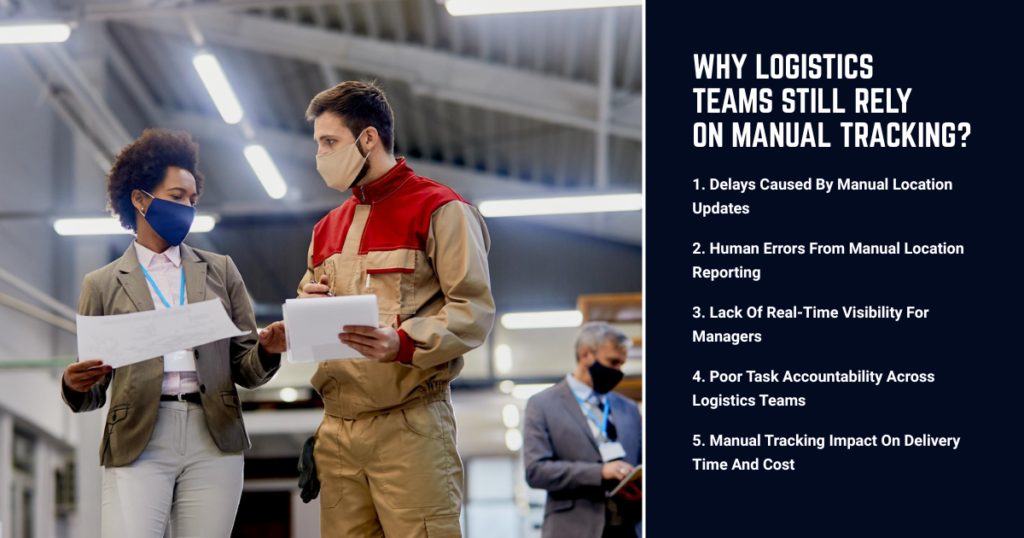
1. Delays Caused By Manual Location Updates
Manual updates are never instant. Drivers finish a stop, then send a message later. Sometimes they forget. Sometimes the signal is weak. Sometimes they are just busy with deliveries.
Managers get updates late. Dispatch decisions slow down. Routes cannot be adjusted on time due to lack of real time location tracking for deliveries.
In logistics, even small delays snowball. One late update leads to one missed decision, which leads to another delay. Before you know it, the whole day runs behind schedule.
2. Human Errors From Manual Location Reporting
People make mistakes. It’s human nature. Manual tracking relies on memory, typing, and judgment, which means errors happen often in logistics task reporting.
Wrong addresses get written. Location names get mixed up. Visit times are guessed instead of logged. Proof of delivery tracking becomes shaky.
When customers question a delivery, teams struggle to explain what really happened. There’s no solid data, just assumptions and crossed fingers.
3. Lack Of Real-Time Visibility For Managers
Without real time location tracking, managers operate in the dark. They don’t know where drivers are right now. They only know where they were hours ago.
This makes planning hard. Reassigning tasks becomes risky. Urgent deliveries turn into stress drills.
Managers spend the day calling drivers instead of managing operations. It’s messy. It’s frustrating. And it wastes leadership time that could be used to improve logistics team productivity.
4. Poor Task Accountability Across Logistics Teams
Manual tracking does not prove visits. Anyone can say, “Yes, I went there.” But there’s no timestamp. No GPS check. No clear trail.
This hurts accountability across field staff location tracking. Good workers feel unrecognized. Poor performance slips through unnoticed.
Over time, trust erodes. Managers start micromanaging. Teams feel pressure. Morale dips. Nobody wins in that setup.
5. Manual Tracking Impact On Delivery Time And Cost
Manual location tracking increases delivery time in subtle ways. Extra calls. Repeated stops. Missed addresses. Route confusion during daily logistics runs.
Fuel costs rise. Overtime grows. Vehicles run longer routes than needed. All these costs hide inside daily operations.
On paper, manual tracking looks cheap. In reality, it slowly eats into profit margins, month after month, especially for growing logistics teams.
How Manual Tracking Affects Customer Experience?
Customers expect updates. They want to know where their delivery is. They want accuracy, not guesses.
Manual tracking cannot give live updates. Teams rely on rough estimates and delayed responses instead of real time delivery visibility.
Late deliveries and vague answers damage trust. And once trust drops, repeat business often follows the same path.
Why Spreadsheets And Calls Do Not Scale?
Spreadsheets break when teams grow. Calls increase as routes expand. What worked for five drivers fails with twenty.
More staff means more updates to chase. More locations mean more confusion. More customers mean higher expectations for delivery route visibility.
Manual systems collapse under growth. Logistics teams need tools that grow with them, not systems that crack under pressure.
What Automated Location Tracking Fixes Instantly?
Automated tracking removes guesswork. GPS records visits automatically. Locations update in real time. Tasks link directly to places.
Managers see live maps. Drivers follow clear routes. Proof of delivery tracking is logged without extra steps.
It feels smoother. It feels calmer. Most importantly, it saves time without adding complexity to logistics workflows.
How Location CRM Improves Logistics Operations?
Location CRM App for logistics operations connects tasks, locations, and people in one place. No juggling apps. No messy updates.
Drivers receive assigned locations with navigation built in using gps tracking for logistics teams. When they arrive, the visit is logged with GPS and time data.
Managers see everything live. Tasks update instantly. Decisions happen faster, without chasing anyone or relying on manual tracking.
Real Logistics Use Cases Solved By Location CRM App
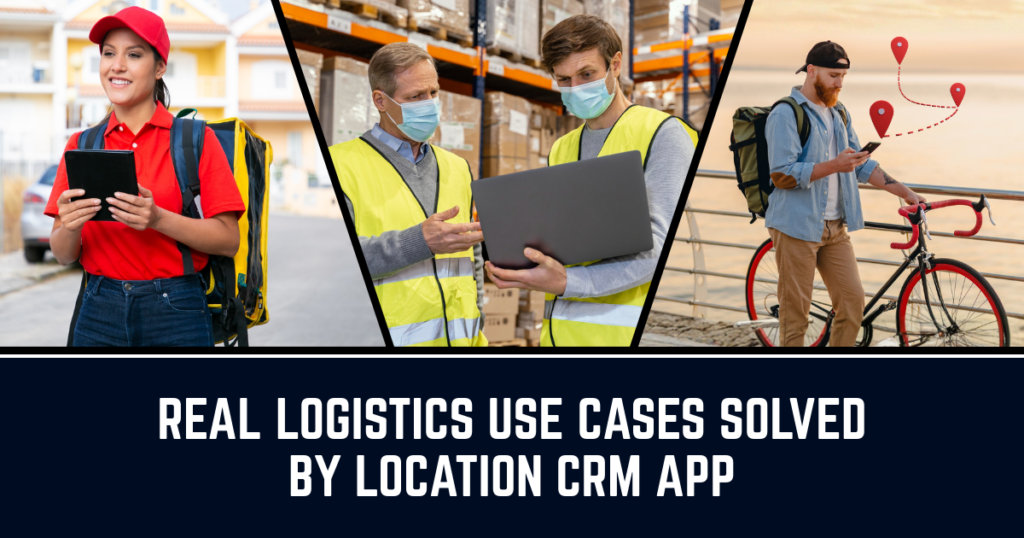
Real logistics operations involve frequent stops, changing routes, and tight delivery windows. Location CRM helps teams handle these daily tasks with clear location tracking and better task control.
1. Delivery and courier teams
Drivers follow assigned routes with exact GPS pins using a logistics crm app with gps tracking. Visits are verified automatically.
2. Warehouse and hub visits
Staff check in at specific sites with timestamps. No manual logs needed.
3. Multi-stop daily routes
Tasks are grouped by location using route task management. Routes stay clear and organized.
Each use case removes friction that manual tracking creates every single day.
Manual Tracking Vs Location CRM Comparison
| Area | Manual Tracking | Location CRM |
| Location updates | Delayed | Real time |
| Proof of visit | Verbal | GPS + timestamp |
| Task visibility | Limited | Full log view |
| Manager effort | High | Low |
| Scalability | Poor | Strong |
The difference shows up fast, usually within the first few weeks of switching to location crm for logistics.
Final Thoughts On Fixing Logistics Delays
Manual location tracking slows logistics teams in quiet but powerful ways. Delays grow. Errors multiply. Costs rise without warning.
Modern logistics needs live data, clear accountability, and simple workflows. Location CRM Solution delivers real time location tracking for logistics teams without friction.
When locations, tasks, and updates work together, logistics teams move faster, stay calm, and deliver better results day after day.
FAQs
- How does manual tracking slow logistics teams?
Manual updates take time, arrive late, and often contain errors. Managers cannot react fast, routes are not optimized, and staff waste hours confirming locations instead of completing deliveries.
- What problems do drivers face with manual tracking?
Drivers deal with unclear addresses, repeated calls, and no clear task-location link. This causes confusion, missed deliveries, and extra fuel usage during daily routes.
- How does manual tracking affect delivery accuracy?
Without GPS verification, teams rely on verbal confirmation. This leads to wrong drop-offs, missing proof of visit, and disputes with customers or clients.
- How does Location CRM help logistics teams?
Location CRM links tasks directly to GPS locations, records visit proof, and syncs data in real time. This removes manual updates and improves delivery speed.
- When should logistics teams stop manual tracking?
If teams face late updates, delivery complaints, or no clear task proof, it’s time to switch. Automated systems support growth without adding chaos.