Maintenance & Repair Services
Assign technicians to sites, track job updates, and monitor field activity through a clear dashboard powered by a mobile CRM for field teams with offline GPS support.

Assign technicians to sites, track job updates, and monitor field activity through a clear dashboard powered by a mobile CRM for field teams with offline GPS support.
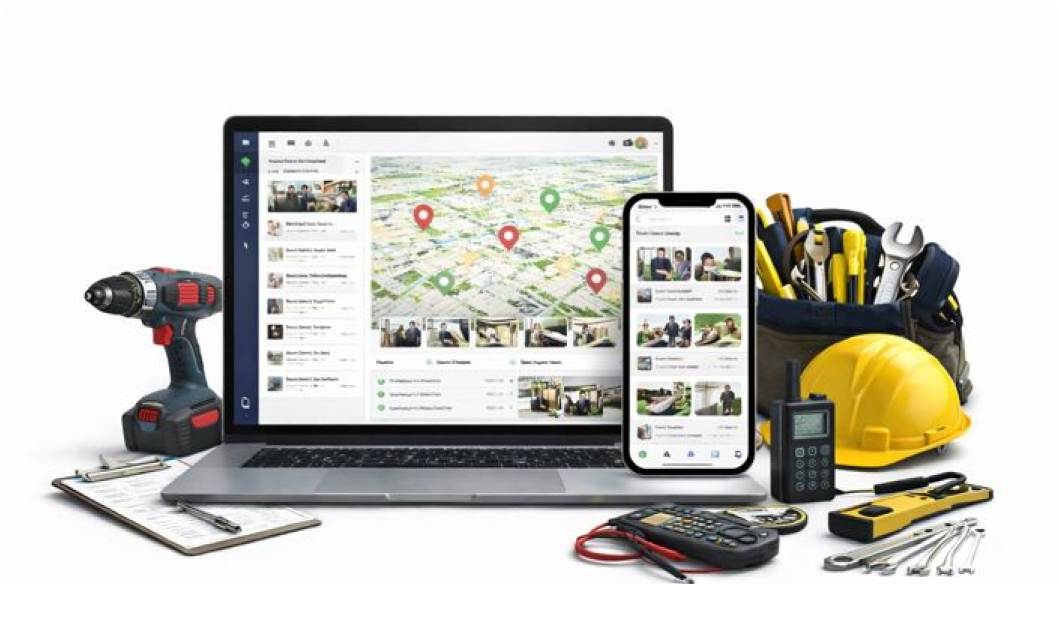
Add customer locations, site and zones with address, images, notes, and map pins stored inside the location management app.
Manage repair staff, electricians, plumbers, telecom teams, and support workers on the map in real time.
Assign tasks like installation, inspection, maintenance, breakdown repair, or follow-up visits with exact coordinates.
Each job includes GPS logs and time stamps for verified site visits.
Technicians upload images of faulty parts, repaired units, replaced components, or readings from the field.
View completed jobs, pending work, and technician movement in a clear timeline.
Location CRM helps technicians reach the exact service site without mix-ups or repeat calls. Visits are logged automatically, so job proof is always ready. Daily work feels smoother, and honestly, fewer headaches show up.


All buildings and service points stay clearly mapped for quick access. Teams move job to job without guessing locations, saving time on every shift. Updates are synced live, keeping everyone in the loop.


Technicians know exactly where each unit is located before arrival. Service visits and task updates are recorded cleanly for future checks. It keeps maintenance cycles steady and avoids missed stops.

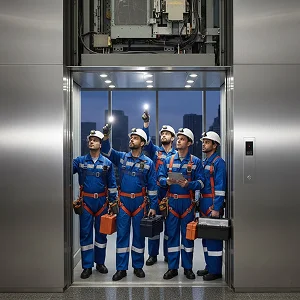
Service points are mapped clearly, so technicians arrive prepared every time. Job progress and visit proof are logged automatically. It cuts confusion, speeds up service, and keeps customers happy.


Panel sites are saved with exact locations, making follow-up visits simple. Teams track inspections and maintenance without paper logs. Work history stays clear, helping long-term planning.


Service locations and tasks stay organized across offices and towers. Engineers reach sites faster and update work status on the go. Coordination improves, and delays are quietly reduced.


Assigned sites guide technicians straight to the right panels and systems. Visit verification and timestamps are stored automatically for records. Compliance work becomes easier, with less back-and-forth.


Add technicians, customer sites, and maintenance tasks
Assign jobs such as repair, inspection, installation, or emergency visits
Track technician, review photos, notes, GPS logs, and service history
Yes. You can add unlimited customer sites and link tasks to each one. Technicians will see the location, route, and job details on their app. The location-based task assignment feature makes it easy to plan daily routes and handle multiple visits without confusion or delays.
Yes. Field staff can add photos, notes, task stages, and issues directly from their phone at the service site. All updates sync to the dashboard so managers stay aware of repair progress, delays, or missing items without calling the technician again and again.
Each visit is automatically marked with geo tagging and time stamps. This helps confirm that the technician reached the exact site and spent the right amount of time on the job. These records build clear service logs that are useful for audits, billing, and customer support.
Yes. The CRM with offline GPS functionality lets technicians capture their location and update job status even when there’s no network. Once the phone reconnects, all entries, photos, and GPS logs sync so managers never lose important service records or visit proof.
Yes. Small teams get a simple way to manage jobs, find customer locations, and record completed work without extra paperwork. It cuts confusion, speeds up repairs, and gives owners a quick overview of the entire day’s work without calling each technician for updates.